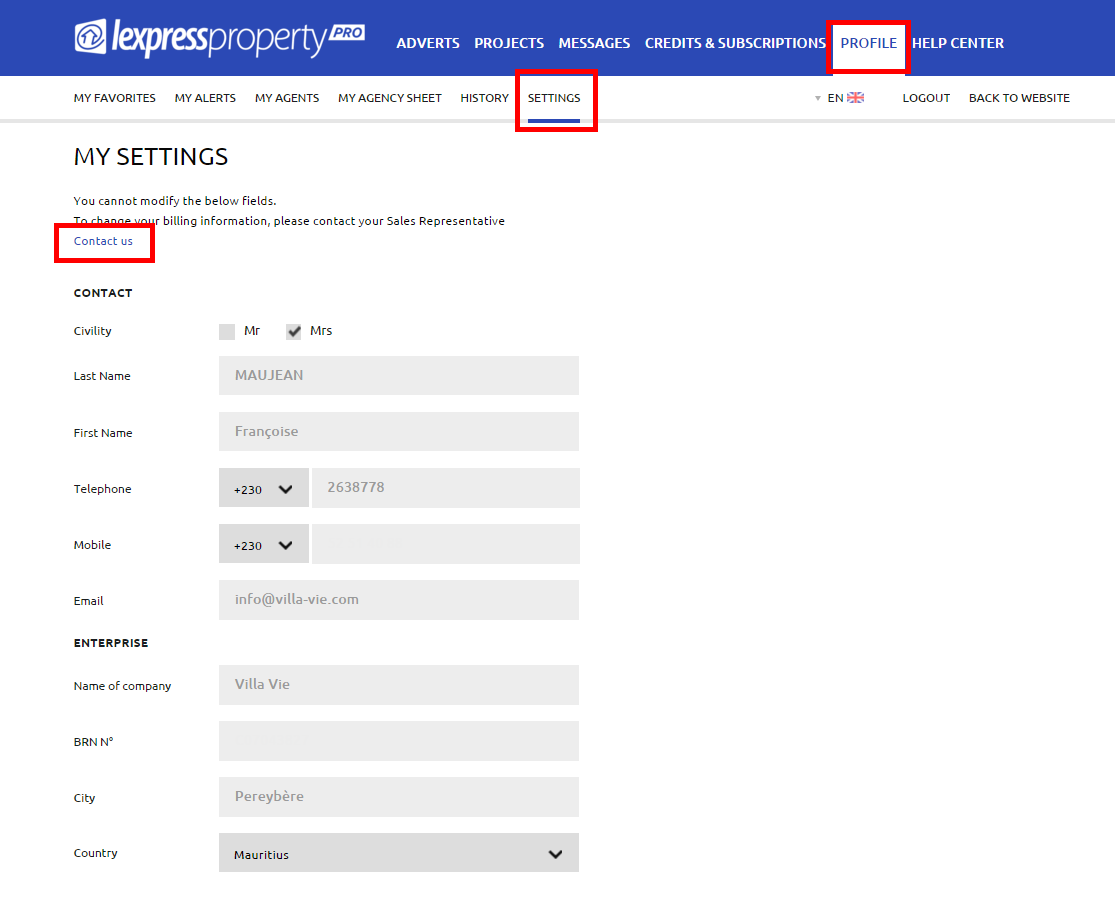


To access your settings, you must be logged in to your account. Click on the tab ‘PROFILE’ in the blue menu and then on ‘SETTINGS’ in the white menu. You will access your details. Settings cannot be modified. Please contact your Sales Representative to update your information. To do so, click on the link ‘CONTACT US’.