


To access your History, you must be logged in to your account. From the tab ‘PROFILE’ located in the blue menu at the top of the page, click on ‘HISTORY’ located in the white menu.
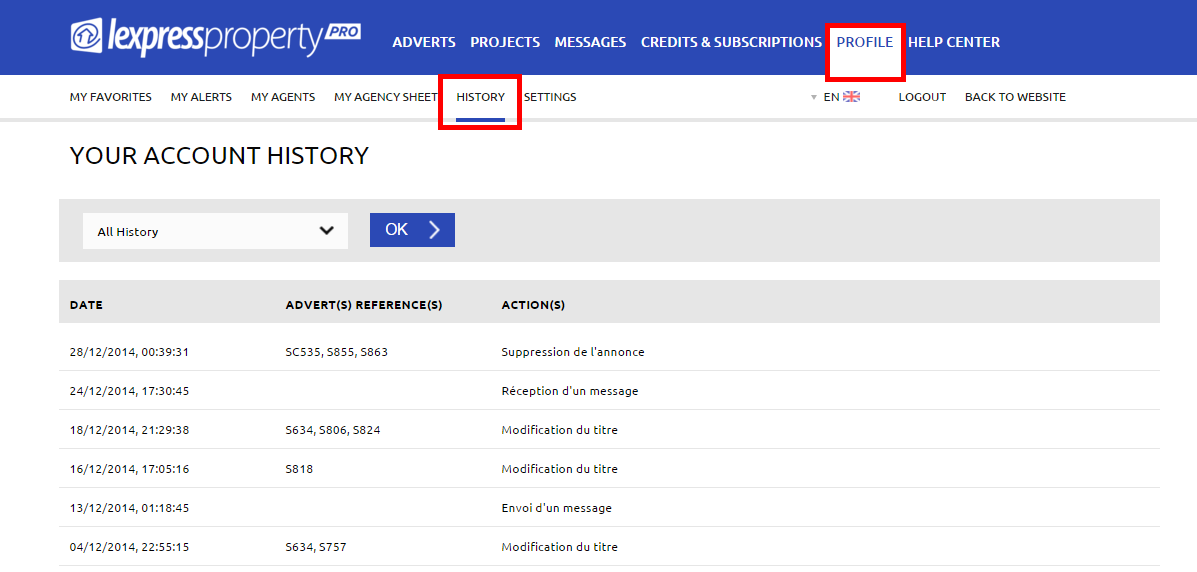
A filter is available at the top of the page to help you filter your Account History.
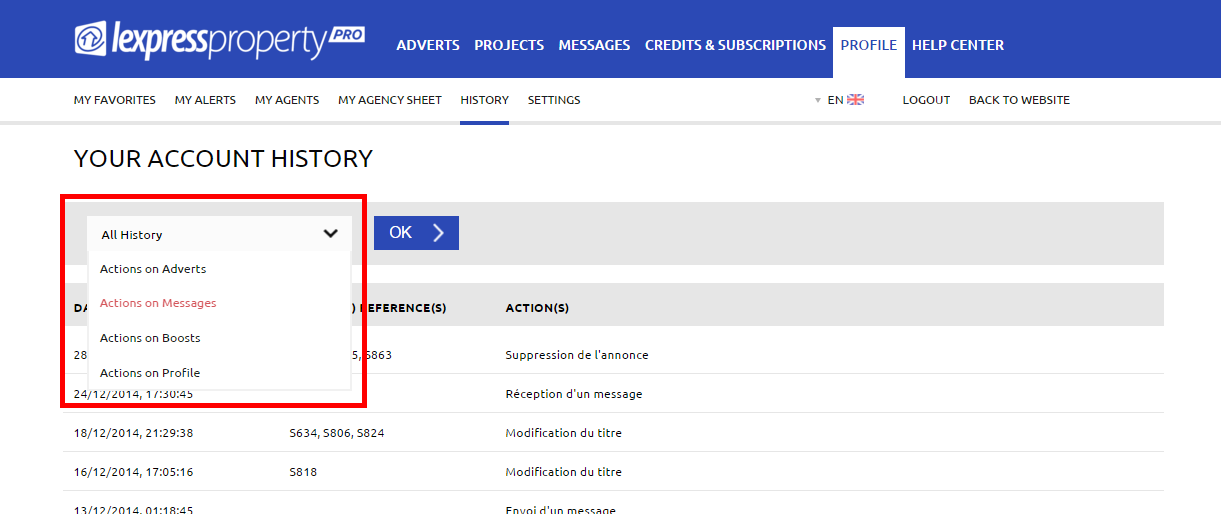
You may filter by:
- All History
- Actions on Adverts
- Actions on Messages
- Actions on Boosts
- Actions on Profile
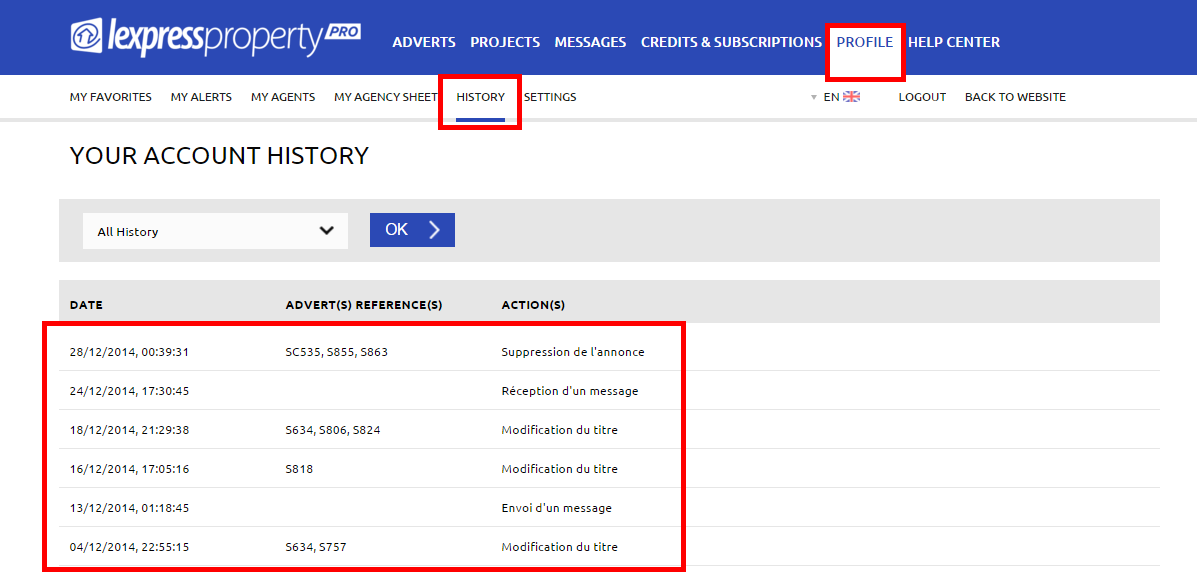
- Date
- Advert(s) Reference(s)
- Action(s)
Select the desired filter and click on the ‘OK’ button to launch the filter.
Your transactions will be displayed on the screen, listed one underneath the other with the following information:
If you have further questions regarding the History of your account, please contact our Customer Service