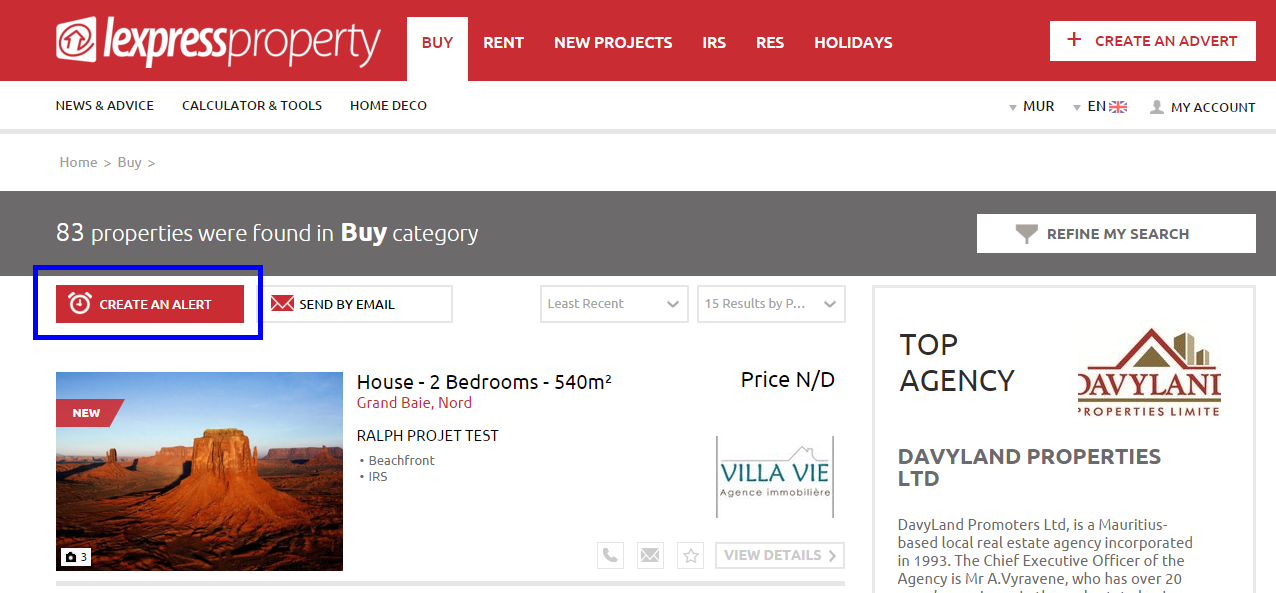


To create an Email Alert, you must perform a refined search by adding your specifications (search criteria) in the Search Area. To obtain a more precise result, use the ‘Advanced Search’ option.
- Perform your search by specifying your search criteria
- On the Results Page displayed, click on ‘CREATE AN ALERT’
- Log in to your lexpressproperty.com’s account if this is not the case yet
- The website saves in your account the Email Alert corresponding to your search
You’re done, you have requested to receive email alerts and you will start receiving them as from now!