


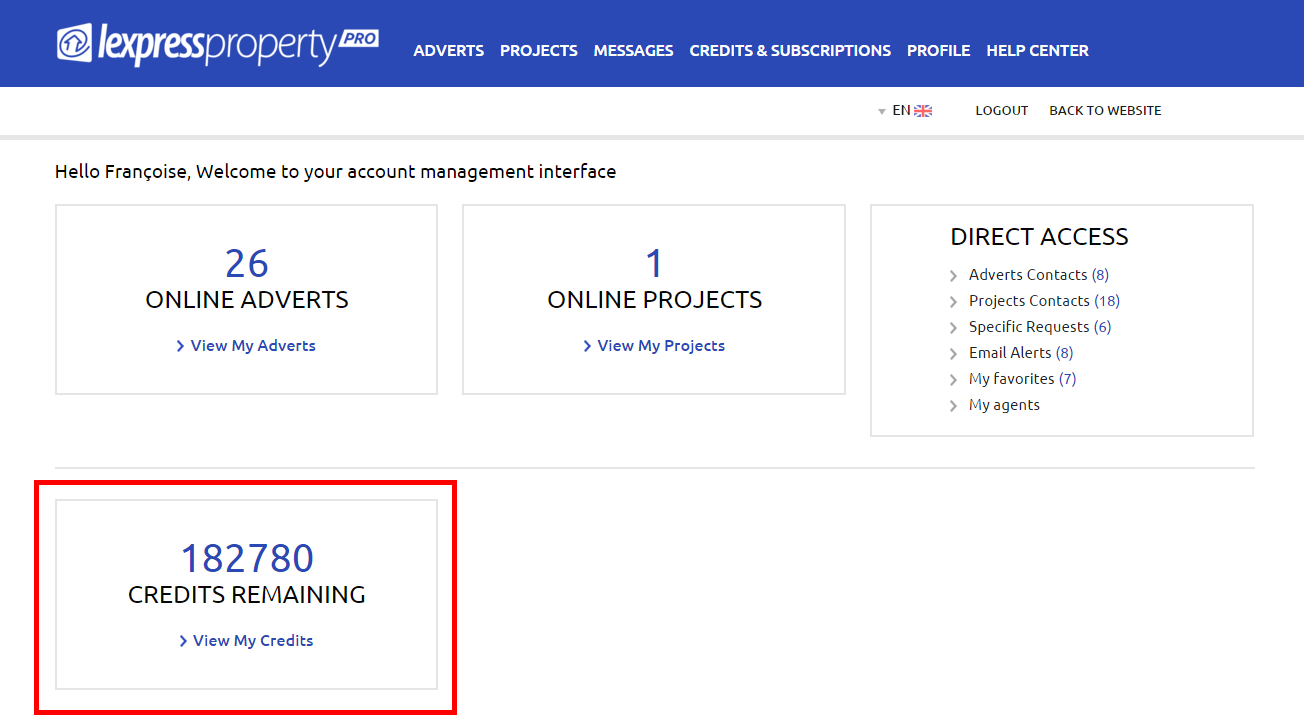
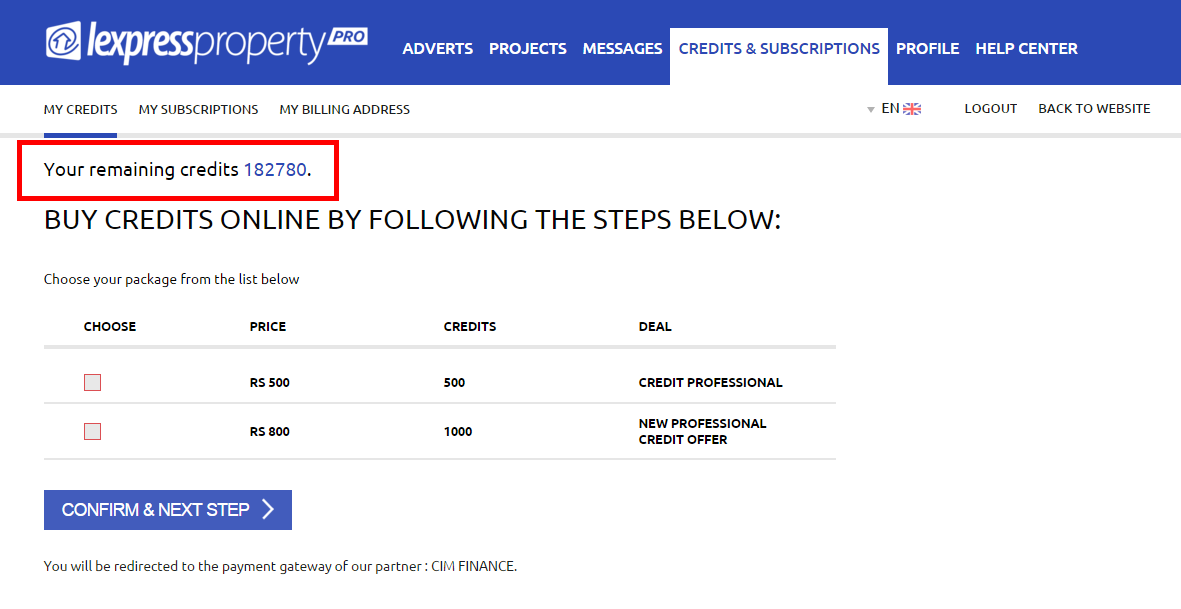
To view the remaining balance of your credits, you must be logged in to your account. There two options for you to view the remaining balance of your credits as follows: 1. From the Home Page If you wish to have more information about the remaining balance of your credits, just click on the link ‘View My Credits’. You will be redirected to the ‘CREDITS & SUBSCRIPTIONS’ where you may view all the details regarding your credits.
- From the tab ‘CREDITS & SUBSCRITIONS’
}}}