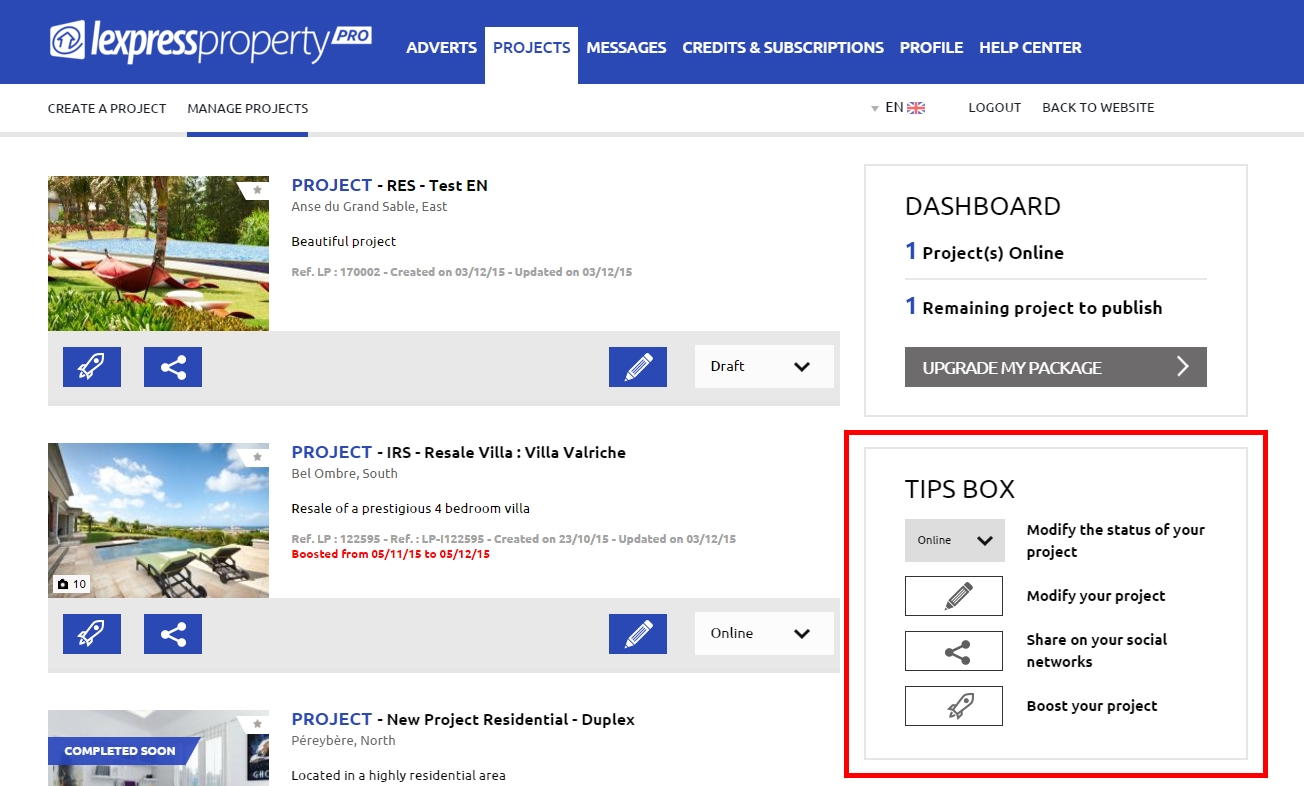


To manage your projects, you must be logged in to your account. From the menu located at the top of the page, click on the ‘PROJECTS’ tab and then on ‘MANAGE PROJECTS’. Your projects will be displayed on your screen, listed one after the other:
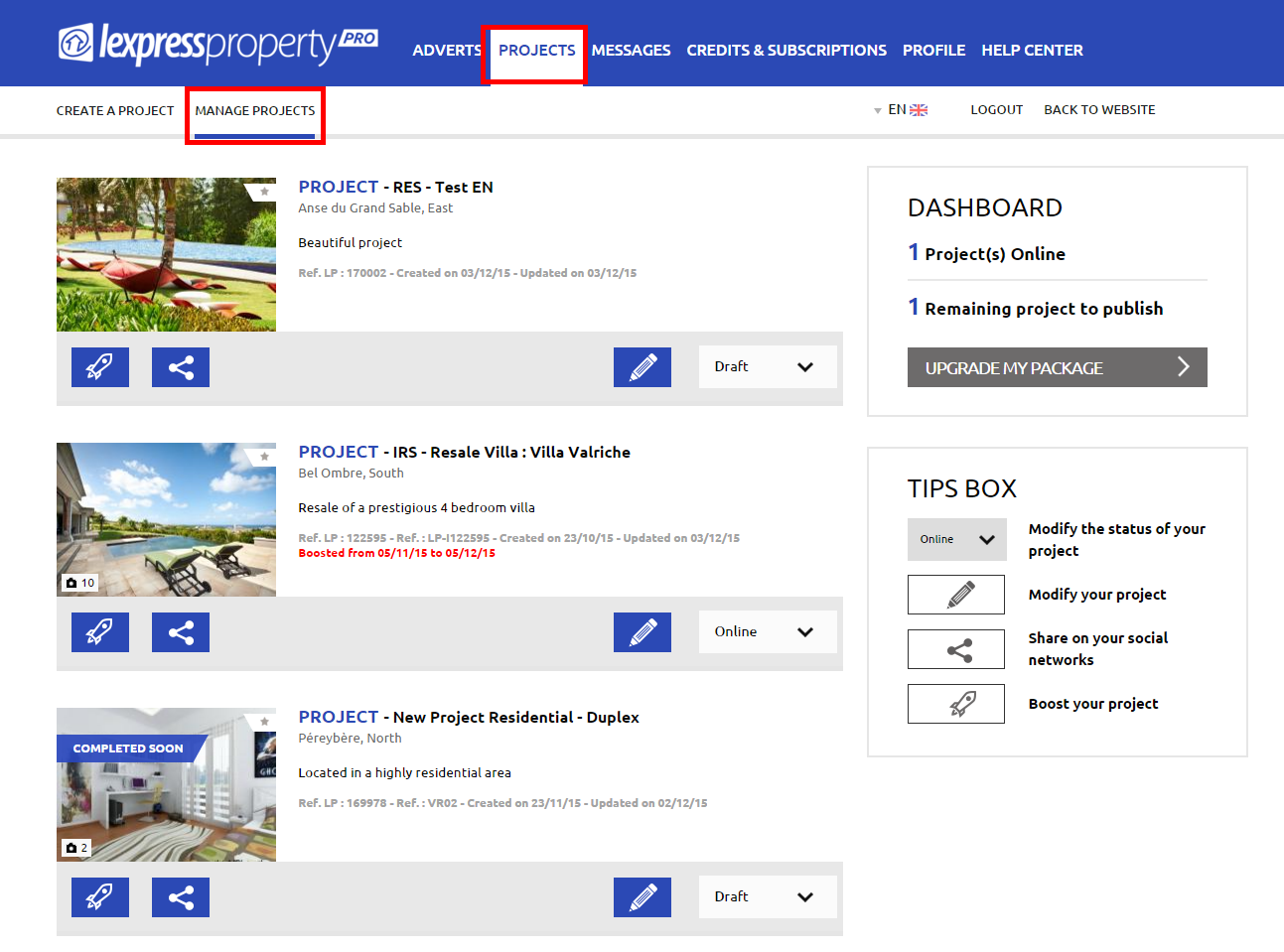
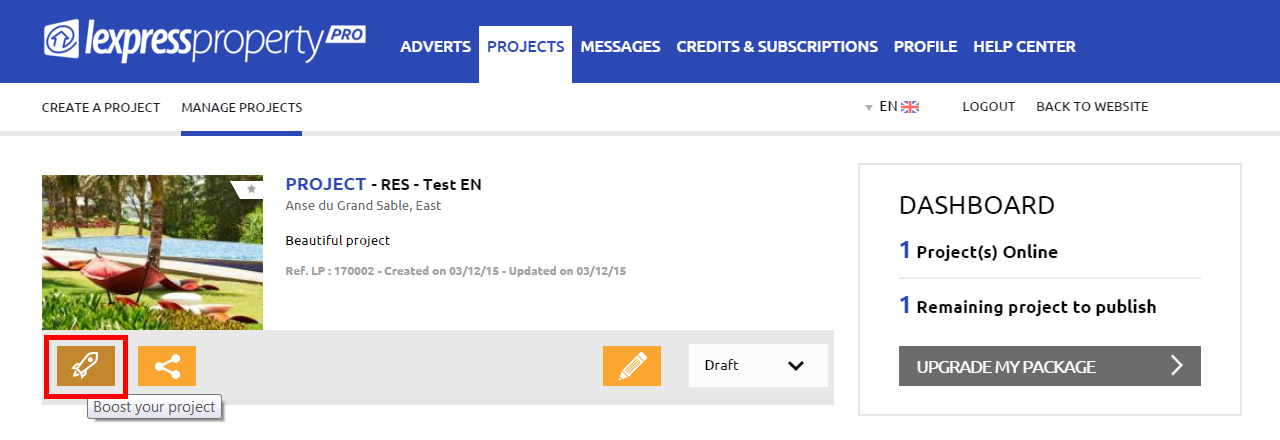
From this page, you may: 1. Boost your projects You may boost the visibility of your project every day to move it on top of the projects listing. Projects can be boosted thanks to purchase of credits. To learn more, click here. To boost a project, just click on the boost icon located in 1st position in the Project Block and follow the instructions:
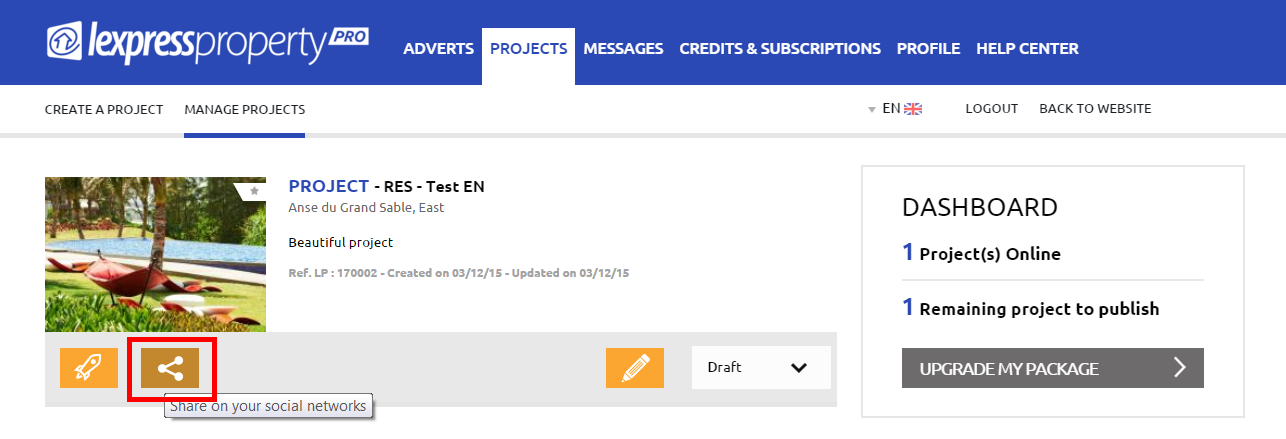
2. Share your project on social networks You may share your projects on social networks by simply clicking on the Share icon located in 2nd position in the Project Block.
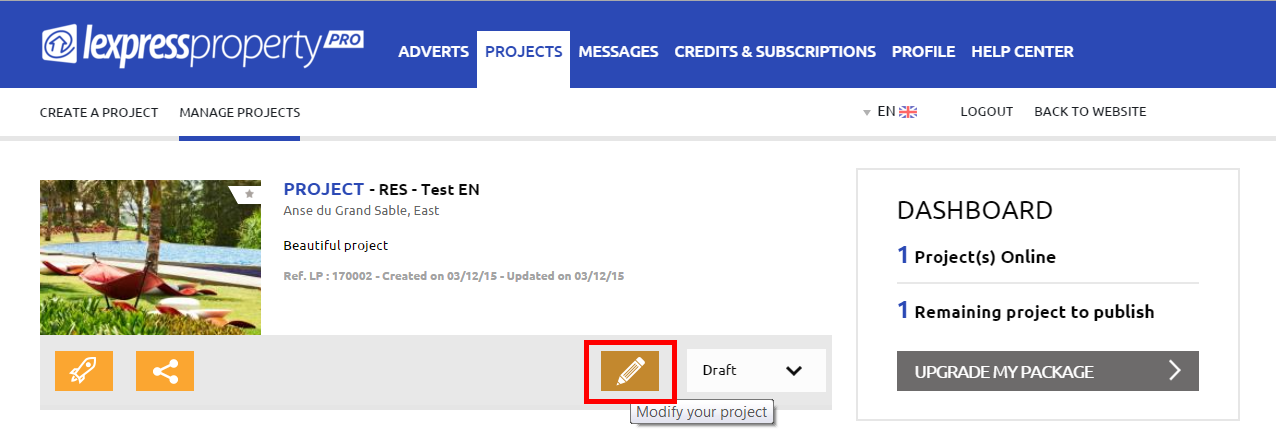
3. Modify your projects If you wish to modify data related to your project, just click on the pencil-like icon located in 3rd position of the Project Block:
4. Modify your projects’ status before publishing on the Website To modify the status of your project, click on the small arrow on the right hand side of the status to open the drop-down menu and select the new status:
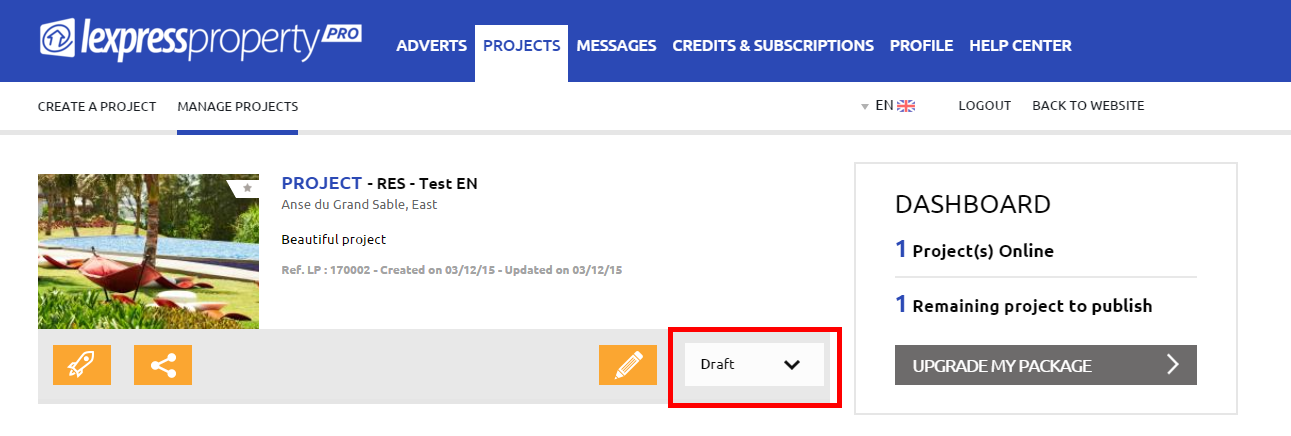
The different status are: a) Draft – Your projects which have not yet been published on the website and have the ‘Draft’ status b) Pending – Your projects which are awaiting validation from lexpressproperty.com c) Online – Your projects which have been published online on the website d) Archived – Your projects which have been archived Please note that you may reactivate your projects at any time by changing their status to ‘Unarchive’. You must then modify the details of the project to publish it once more. In case you are not in auto-publication mode, your project will be sent to our team of moderators before their online publication. e) Refused – Your projects which have been refused by our team of moderators. If you have any question about a refused project, please contact our Customer Service or phone on +230 266 13 00. f) Offline - Your projects which have been put offline. CAUTION: A project put offline is not classified as an archived project. It will be counted as part of your subscription pack.
In the right column, you may see: Your ‘Dashboard’ where you can see the number of projects that you presently have online as well as the number of projects remaining for publication. If you reach the maximum number of projects allowed by your subscription pack and that you wish to publish more projects on the website, you may use the functionality ‘UPGRADE MY PACKAGE’. A Sales Representative will contact you to make a proposition.
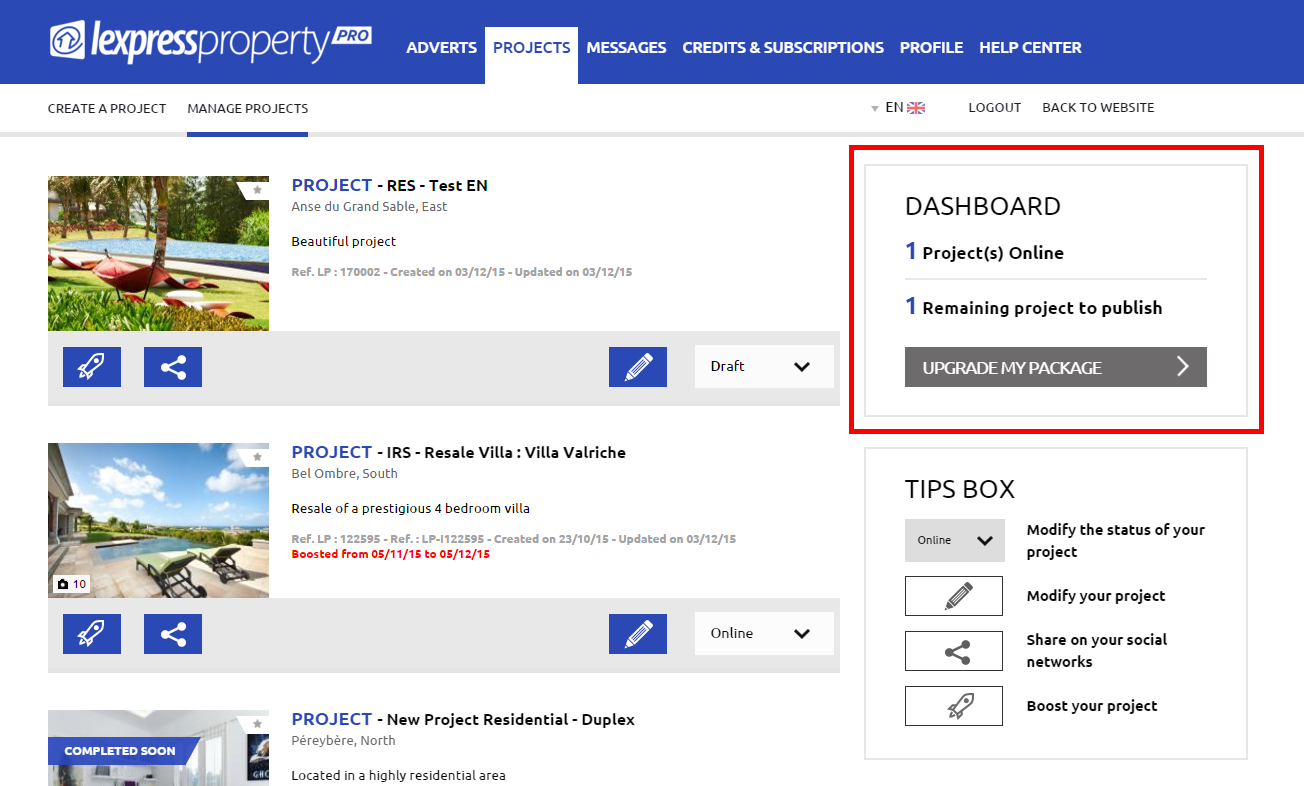
A tip box will briefly explain to you the functionalities available to you:
- Modify the status of your project
- Modify your project
- Share on your social networks
- Boost your project