

To view your Email Alerts, you must be logged in to your account. From the white menu, click on 'MY ACCOUNT' and then on 'MY ALERTS' in the drop-down menu displayed on your screen.
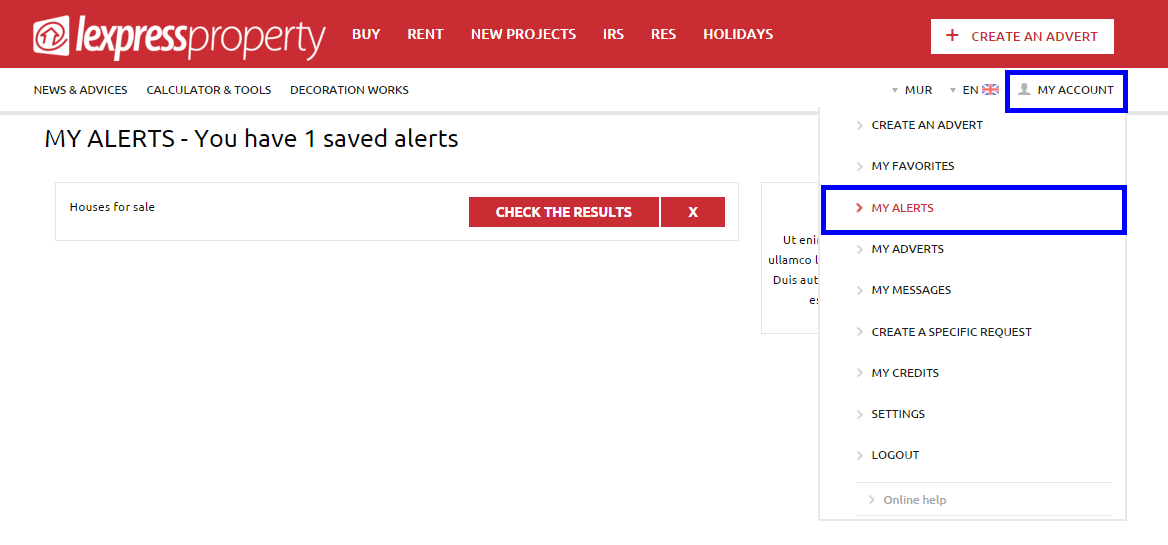
You will be directed to a page where you will be able to view all the email alerts that you have created.
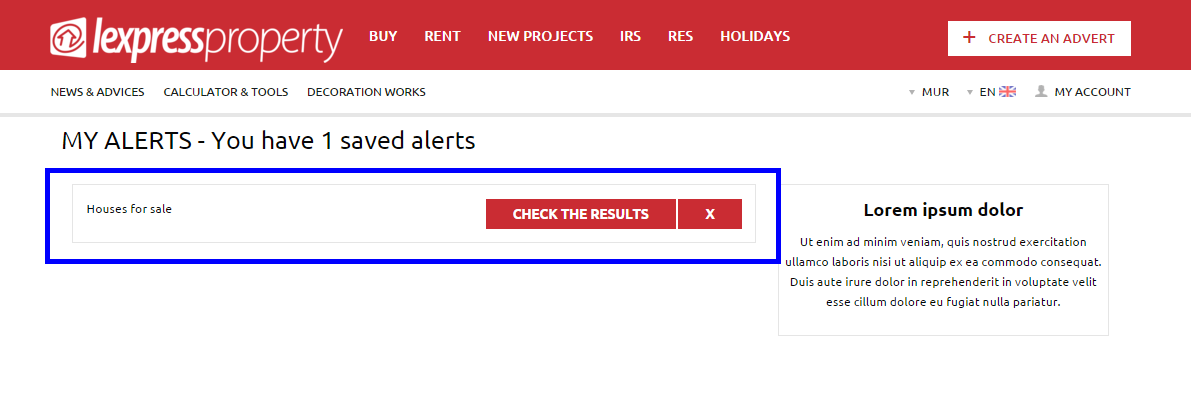
Click on the button 'CHECK THE RESULTS' to access the results page.