

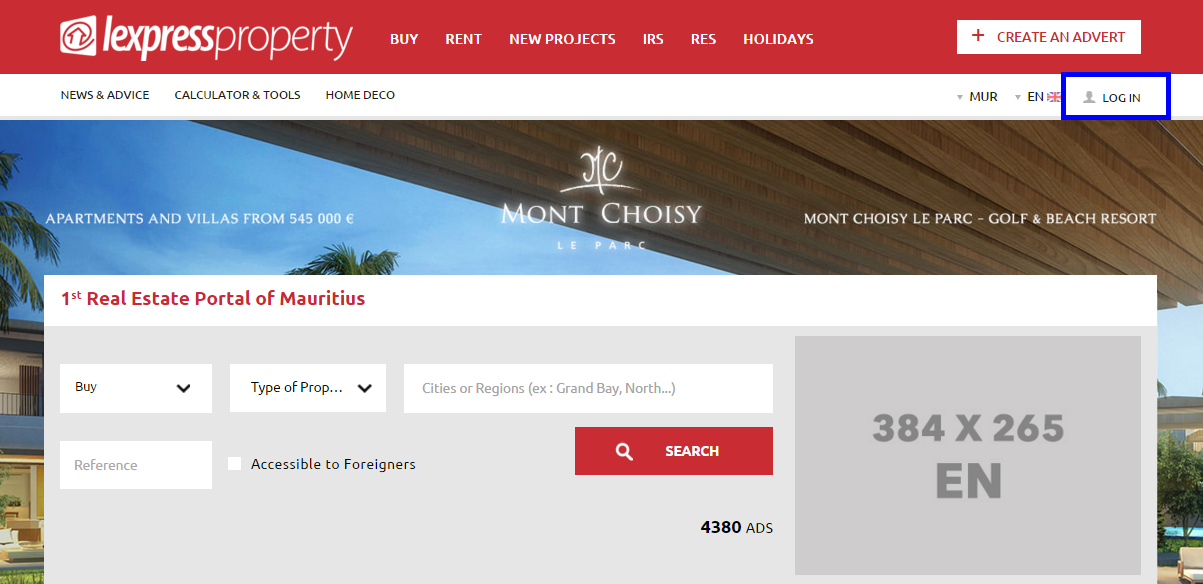
To access your Individual Interface, you must proceed as follows: From the Menu in white colour, click on “LOGIN”.
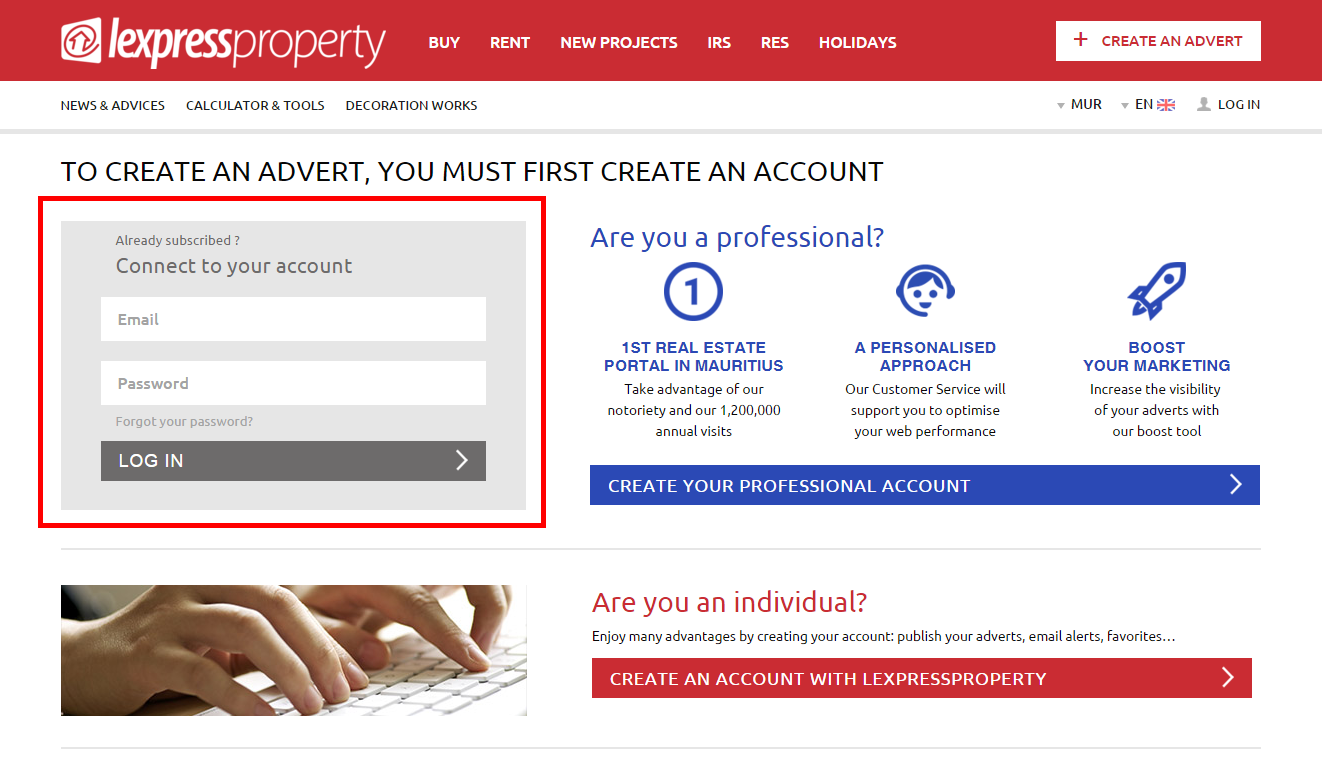
You will be directed to a 2nd page where you will be able to connect to your account. Insert your email address and your password within the section “Already Registered? Connect to your account”, located in the block in grey on the left-hand side of your screen. Then, click on the button “LOGIN”.