


To view your Favorites, you should be logged in to your account. Click on the ‘PROFILE’ tab in the blue menu, then on ‘MY FAVORITES’ in the white menu. You will be able to view all your ‘FAVORITES’.
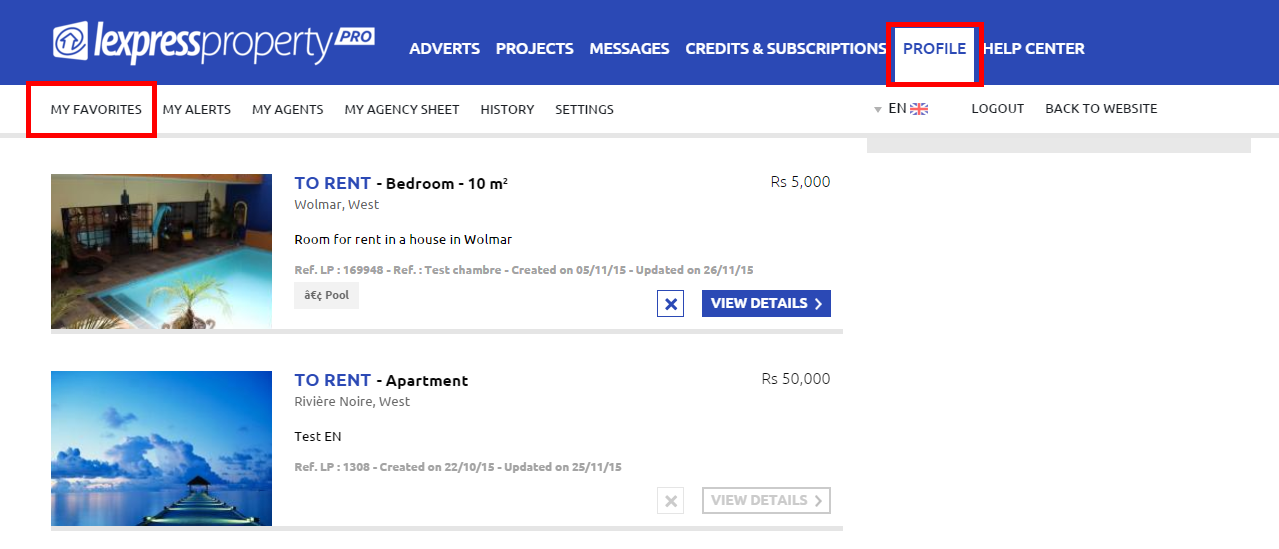
To access the Results Page, you just have to click on the button ‘VIEW DETAILS’.